PIN sign-in
Your session key is encrypted with your PIN and Windows device protection; it never exists in plain text. Three wrong tries and it wipes itself. Password and 2FA stay as strict as on the web.
The Windows app keeps your workspace a keypress away: PIN sign-in, case alerts as Windows notifications, updates that install themselves. The iPhone app puts the same workspace behind Face ID, with push notifications for every update.
See install steps About the iPhone app
Free with every plan · Windows 10 or 11 · iOS 15.1 or later
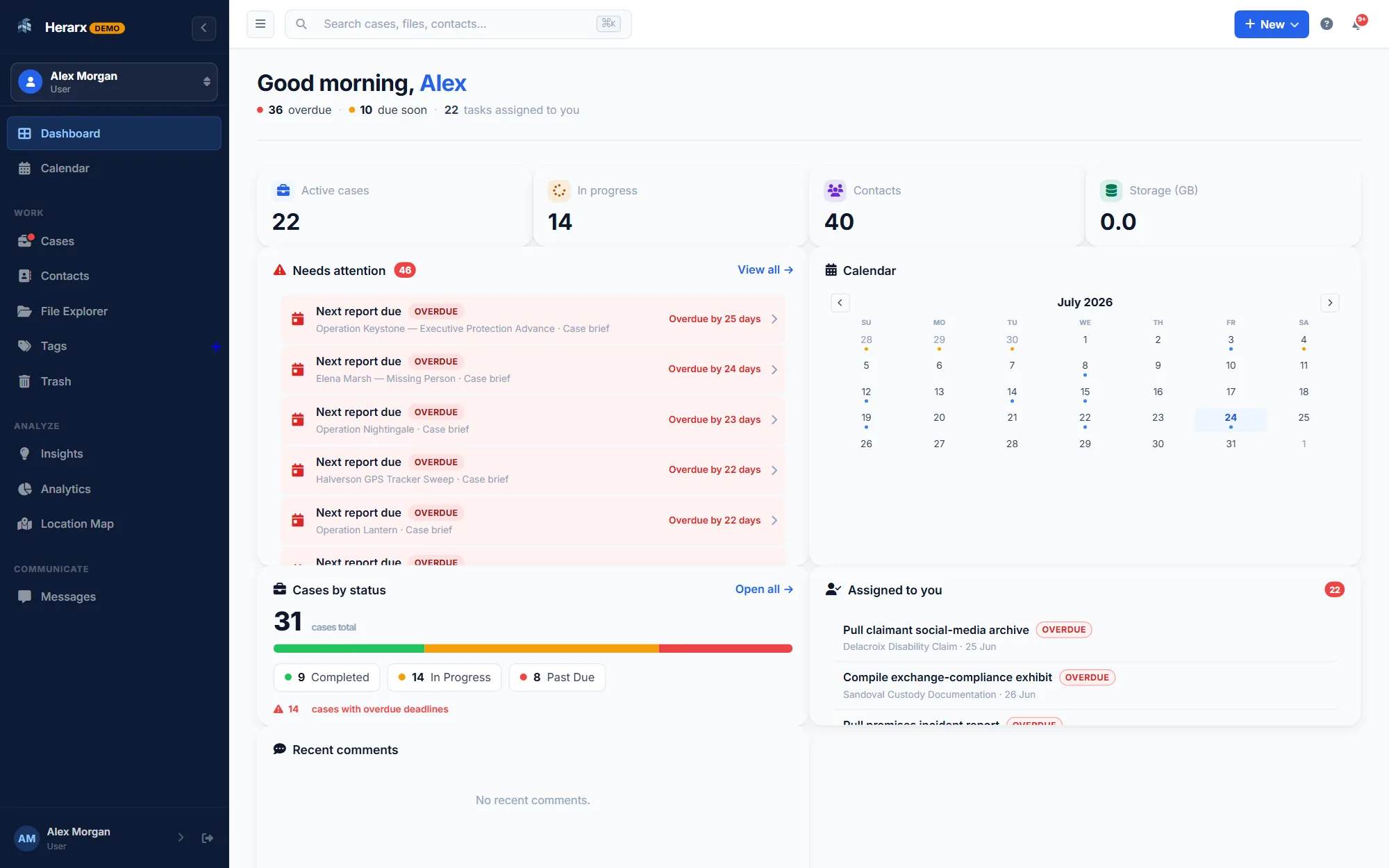
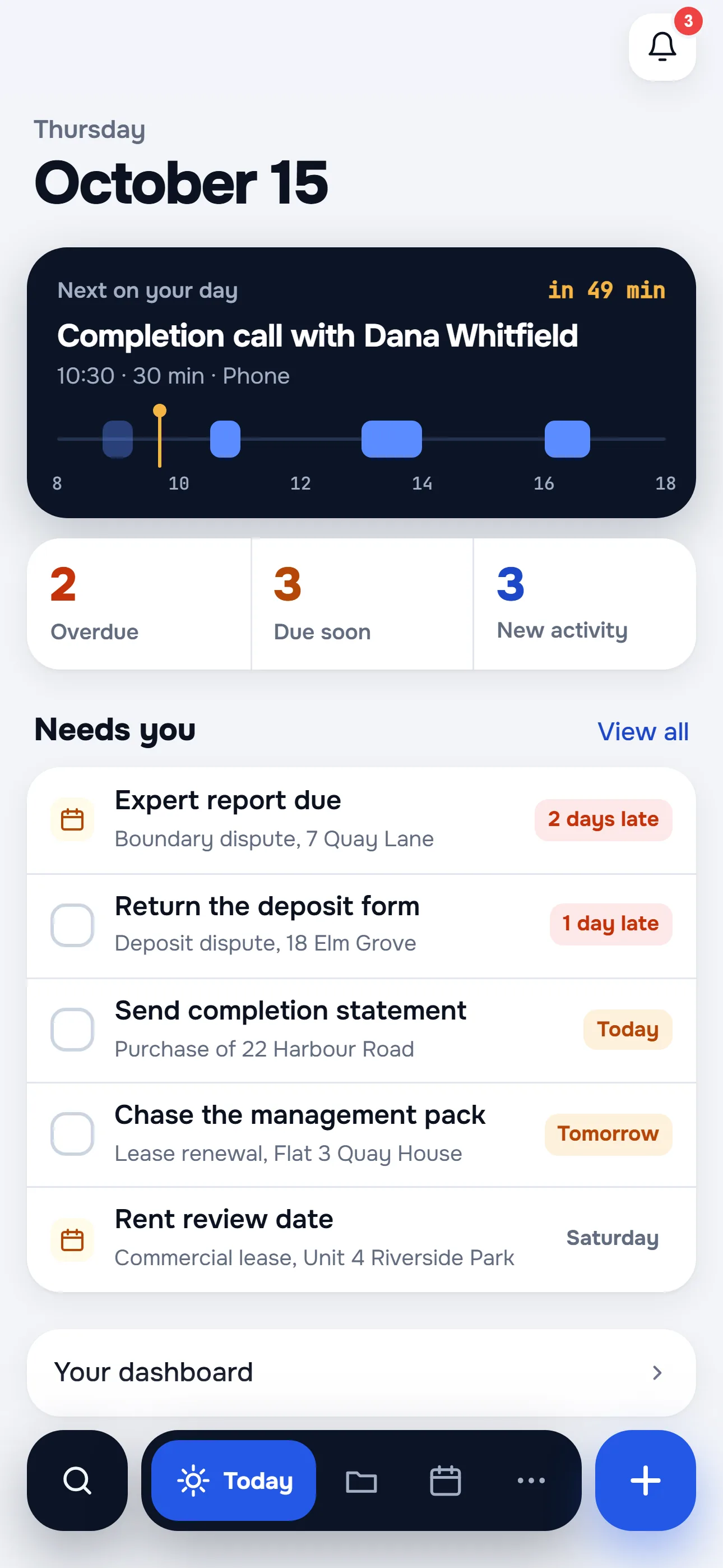
The Windows and iPhone apps are free on the free tier too. They're the same workspace as the website; install them and your account works everywhere at the same time.
Windows app · Microsoft Store
No admin rights needed; the app installs for your Windows user only. Uninstall any time from Windows Settings, Apps.
Microsoft Store
Click Get it from Microsoft above. The Store installs Herarx and keeps it up to date; nothing to download by hand.
Start menu
Find Herarx in the Start menu and pin it to the taskbar if you like.
Your account
Same email, password, and two-factor code as the website. Nothing new to set up.
Optional
Sign back in with a 4 to 6 digit PIN next time. Tune everything in Desktop settings (Ctrl + ,).
On top of everything the website does.
Your session key is encrypted with your PIN and Windows device protection; it never exists in plain text. Three wrong tries and it wipes itself. Password and 2FA stay as strict as on the web.
Case alerts arrive as Windows toasts even while the window is closed. One click opens the exact page; start-with-Windows is optional.
Updates come through the Microsoft Store, like any Store app. They download in the background, so you never download an installer by hand.
Now on the App Store
Cases, contacts, files, tasks and messages, on the go. Sign in once; after that Face ID gets you straight to work. Push notifications for messages, comments, deadlines and case updates, and the same encryption, audit logging and two-factor sign-in as the website.
Free with every plan. Requires iOS 15.1 or later; iPhone only. A Herarx account is required.
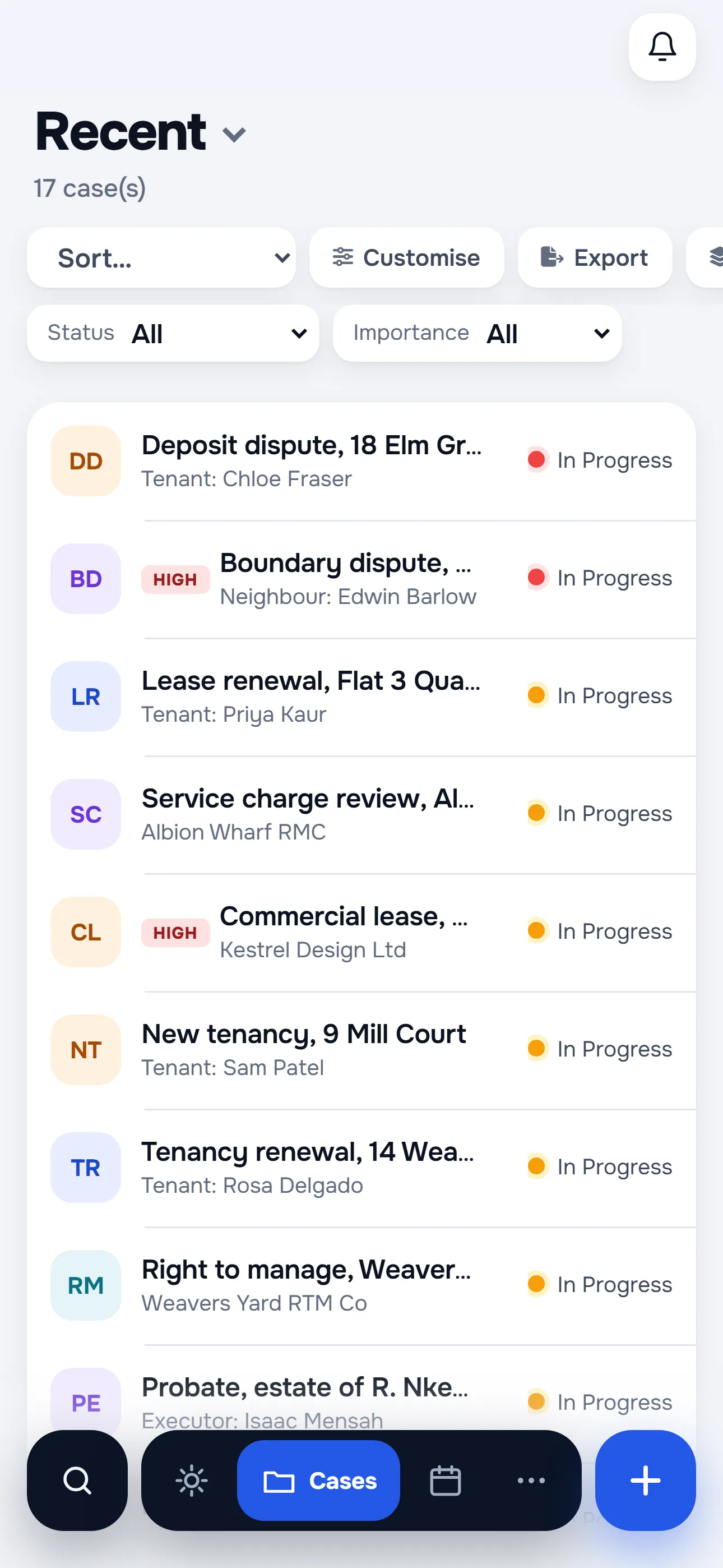
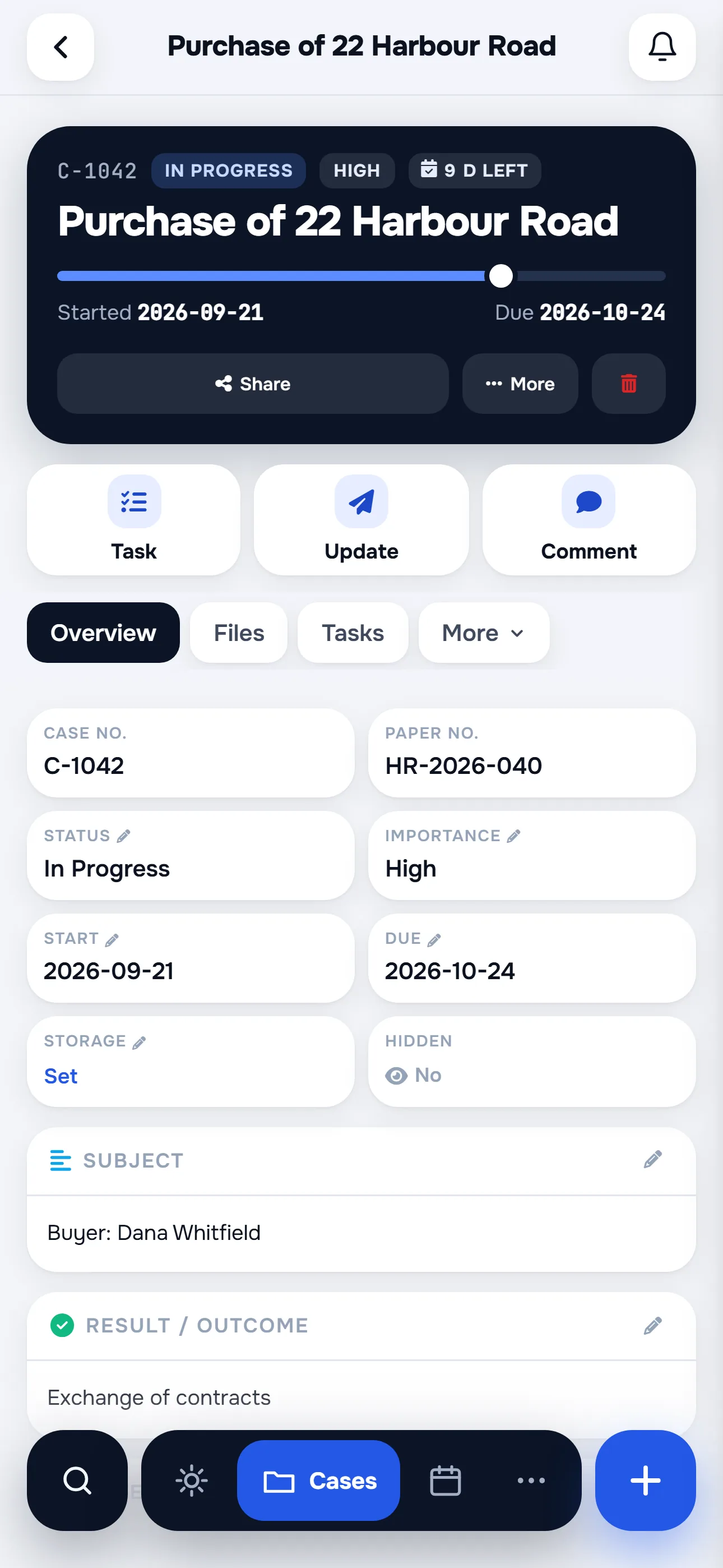
Something else? Write to us
Windows 10 or 11, 64-bit; no admin account, no extra runtimes. On iPhone, iOS 15.1 or later from the App Store. Mac and iPad use the website in the browser.
No. Only a session key, encrypted with your PIN plus Windows device protection. Three wrong PIN attempts destroy it, and a password sign-in is always available.
Through the Microsoft Store, like any Store app: it updates in the background and you never download anything by hand.
Nothing. It's the same workspace with a desktop shell around it; your account works in both at the same time.
Open Windows Settings, go to Apps, find Herarx and choose Uninstall. Your data stays in your account; nothing lives only on the computer.
Free with every plan. Installed in about a minute.
Free for up to 5 cases. Or look around the live demo first, no sign-up.