Case management
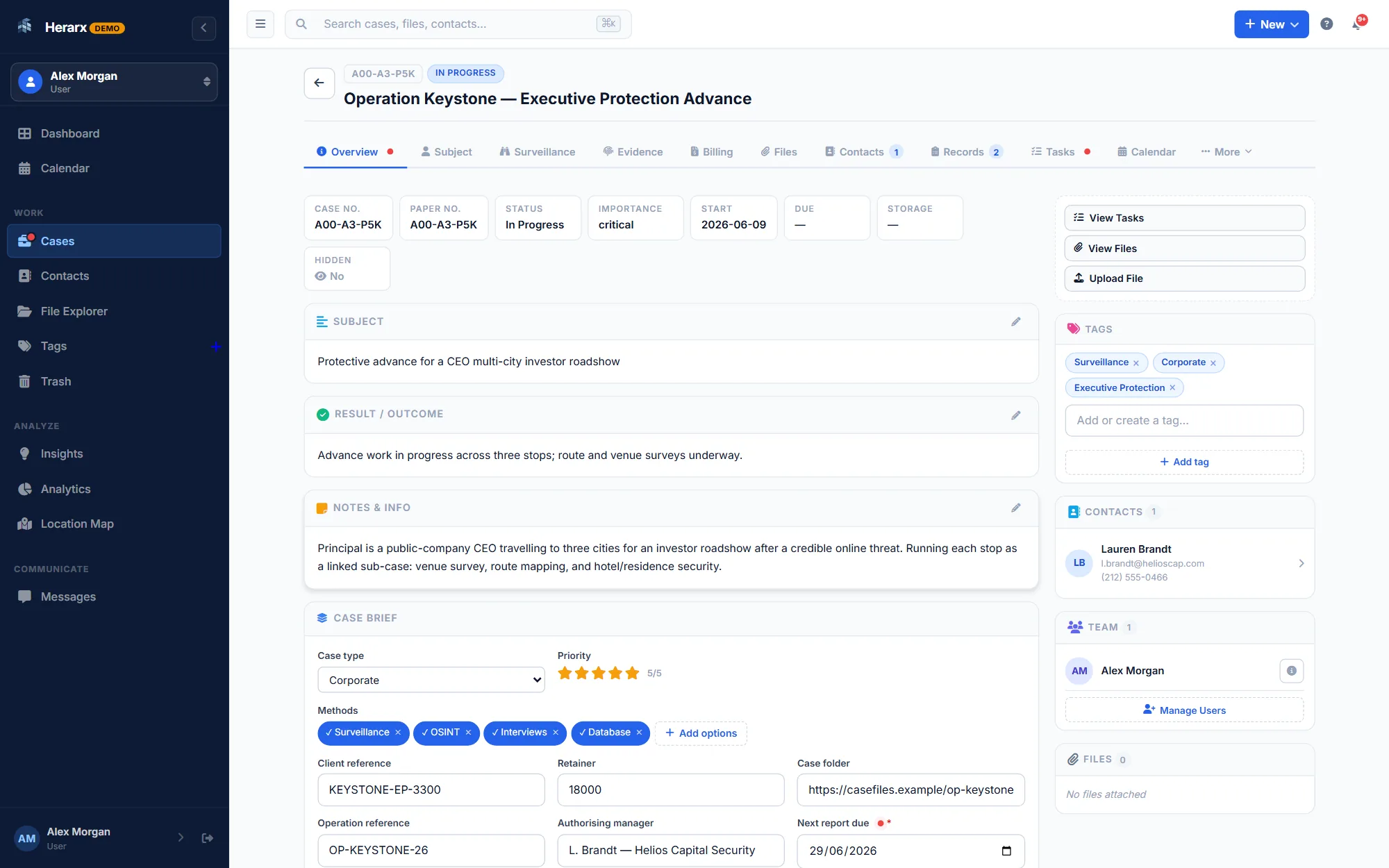
Create structured case records with titles, descriptions, status, priority, and tags. Assign team members with specific roles and keep everything in one controlled workspace.
Templates for your line of work →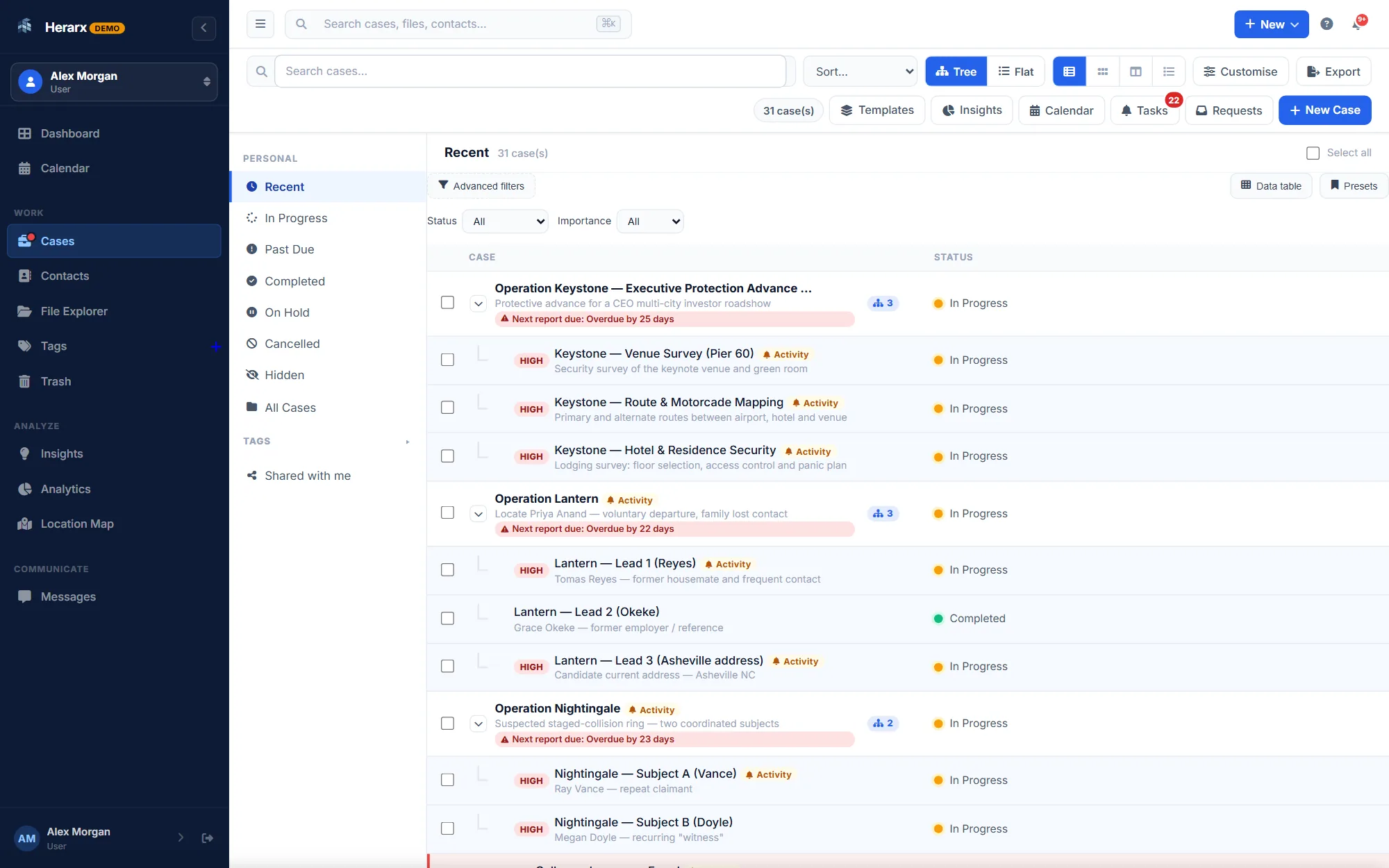
ProductFeatures
A focused workspace for people who handle sensitive, structured work: cases, files, contacts and messages, with two-factor sign-in, roles on each case and a record of every action.
Free for up to 5 cases · Some parts need Premium or Max, marked below
The six parts you use on every case.
Create structured case records with titles, descriptions, status, priority, and tags. Assign team members with specific roles and keep everything in one controlled workspace.
Templates for your line of work →
Upload, annotate, and organise documents within each case. Per-file access controls let you decide who can see what. Every file access is logged with who and when.
How files are shared ↓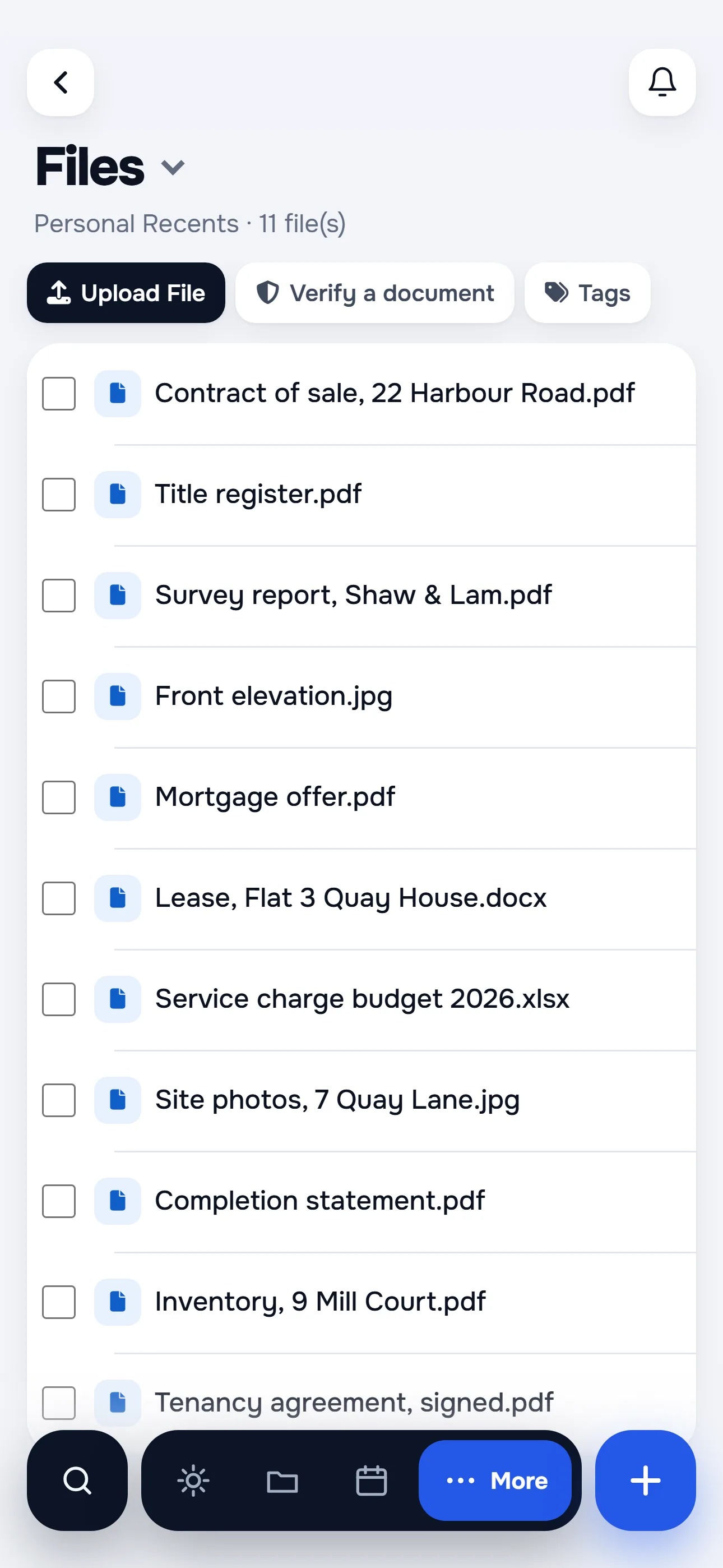
Keep structured details for each person and link them to one case or many, so you can see every case a contact is part of.
Direct messages: Premium and Max
Messages between team members, separate from email, kept inside your workspace and logged as part of the case record.
Hear about new actions, uploads and team updates on your cases. Set reminders for deadlines and choose what you are told about.
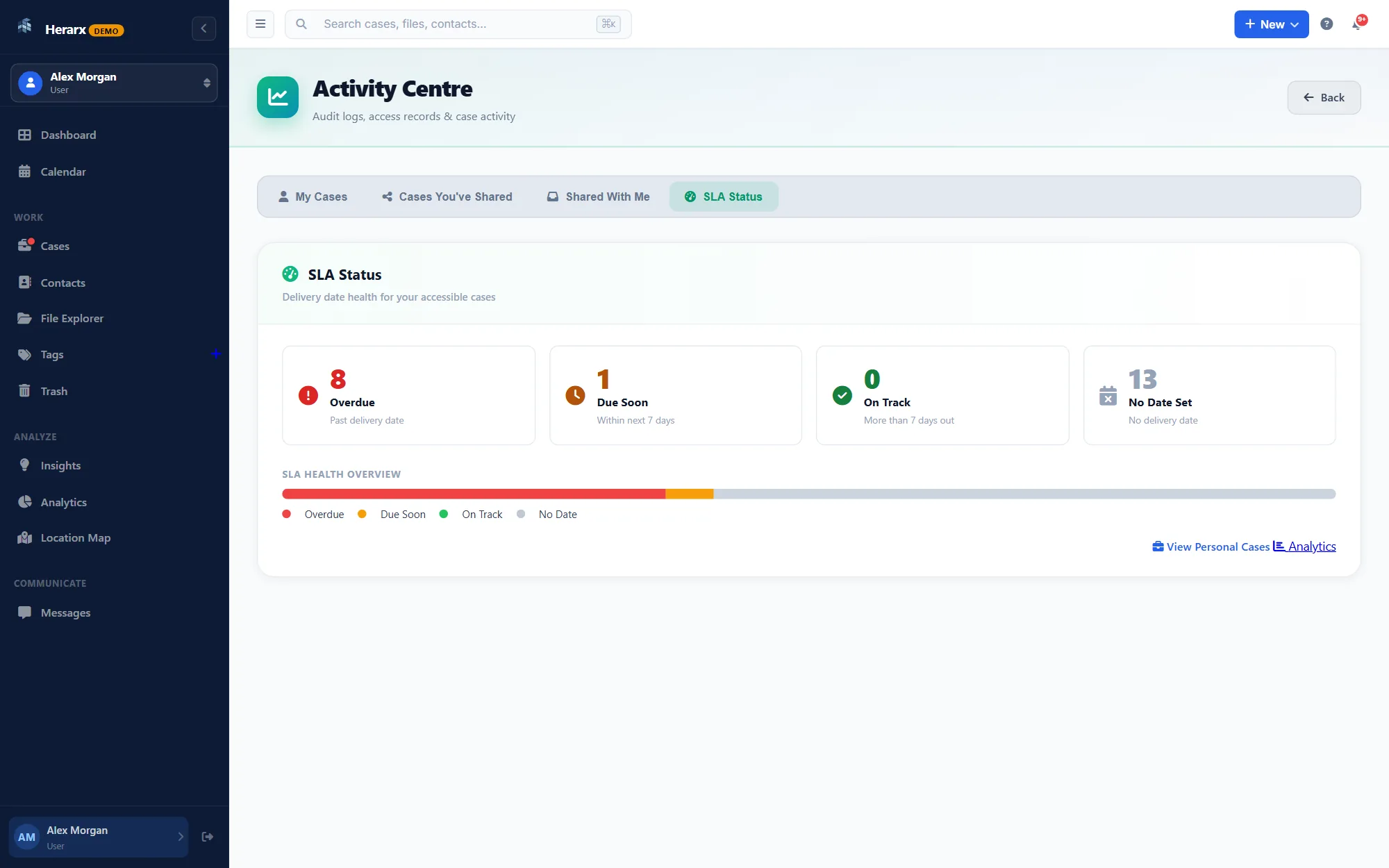
Find cases, files, contacts and activity across your whole workspace. Results only include what you are allowed to see.
Three short films. Pick the one closest to your work.
Walkthrough · 58 sec
Open a case, keep its records and payments, see cases on a map, and send documents for signature.
In this film
For lawyers · 58 sec
Open a matter, keep the client’s documents together, and let the client sign from their phone.
In this film
For property managers · 53 sec
Units, tenants and requests in one place, with the calendar, accounting sync and alerts on your phone.
In this film
On Max and Enterprise, charges, costs and payments in a case post to QuickBooks Online, Xero or NetSuite accounting software, and when an invoice is paid, the case shows it. No double entry, no month-end hunt.
Every security feature is visible, configurable, and documented — not hidden in a settings menu you'll never find.
Codes from an authenticator app such as Google Authenticator or Authy, or a hardware security key. Both are available on every account.
Every sign-in attempt, file access, case action, role change and permission update, logged with the time, the person and what they did. Always on.
Give each person a role on each case, such as read-only, editor or manager. Roles can be inherited, and overridden case by case.
Sessions time out when idle. Every form is protected against cross-site requests, passwords are hashed with bcrypt, connections use TLS and files are encrypted at rest.
Nothing on a case is visible to anyone you haven't added. Files are encrypted at rest and kept apart from the database.
Verify a document →Share with your team or with clients — with complete control over who sees what.
Expiry and passwords: Premium and Max
Generate per-file share links with optional expiry, password protection, and view-only access. Every link access is logged. Share specific files without exposing the full case.
Premium and Max
Share a read-only view of a case with a client or an outside reviewer. They see what you choose to show them, and nothing else you hold.
Sharing cases with people: Premium and Max
Invite people to a case with a role. Comments, tasks and file activity are tracked per person, so you can see who did what on each case.
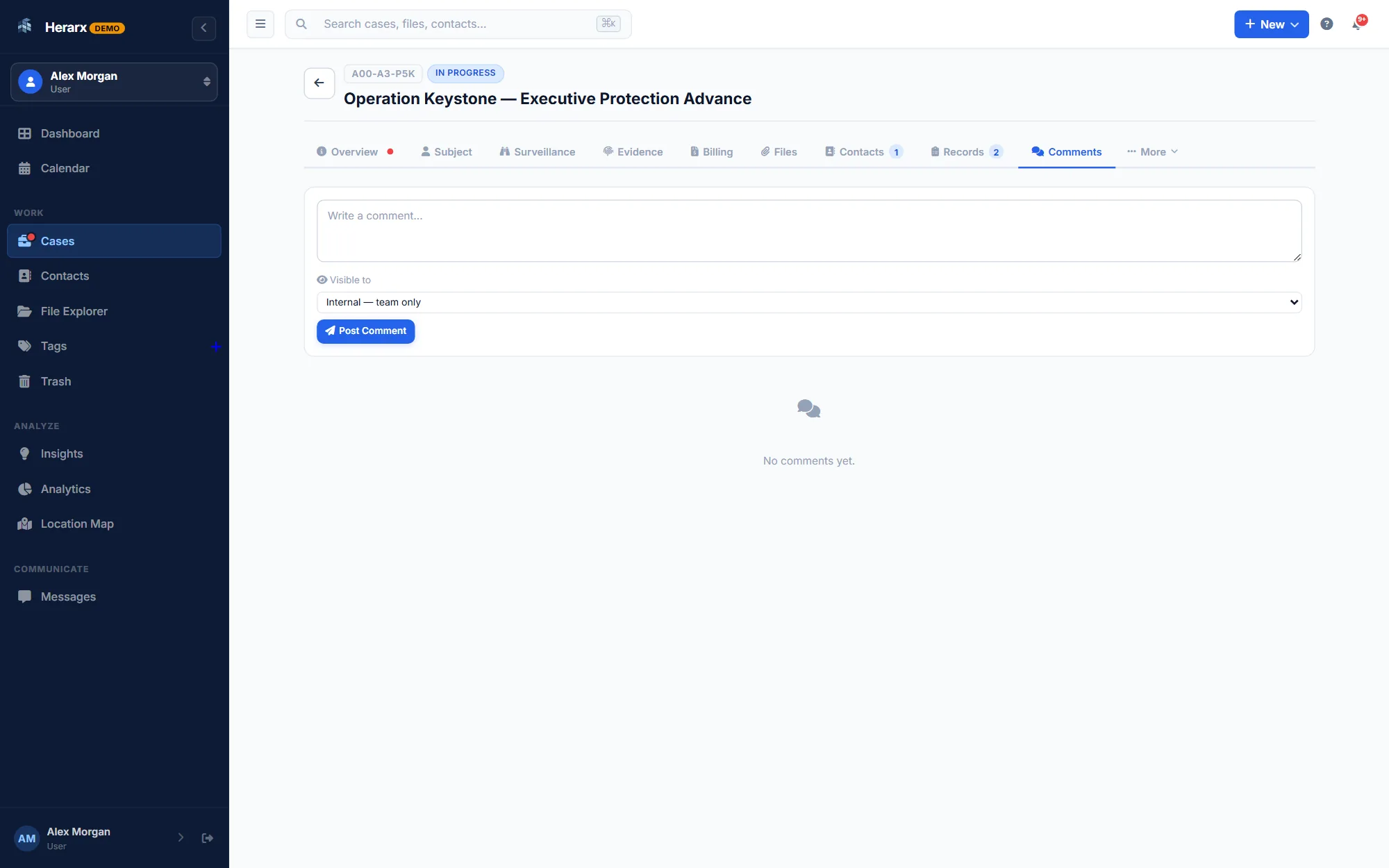
See it in action. The live demo loads a real PI workspace — cases, contacts, tasks, audit trail — no sign-up needed.
Try the live demoRun a shared workspace for your firm or team.
Enterprise · For teams
Create a shared workspace for your team. Shared cases, files, and contacts all in one place, with centralised admin controls.
Seats and team pricing ↗Premium and Max
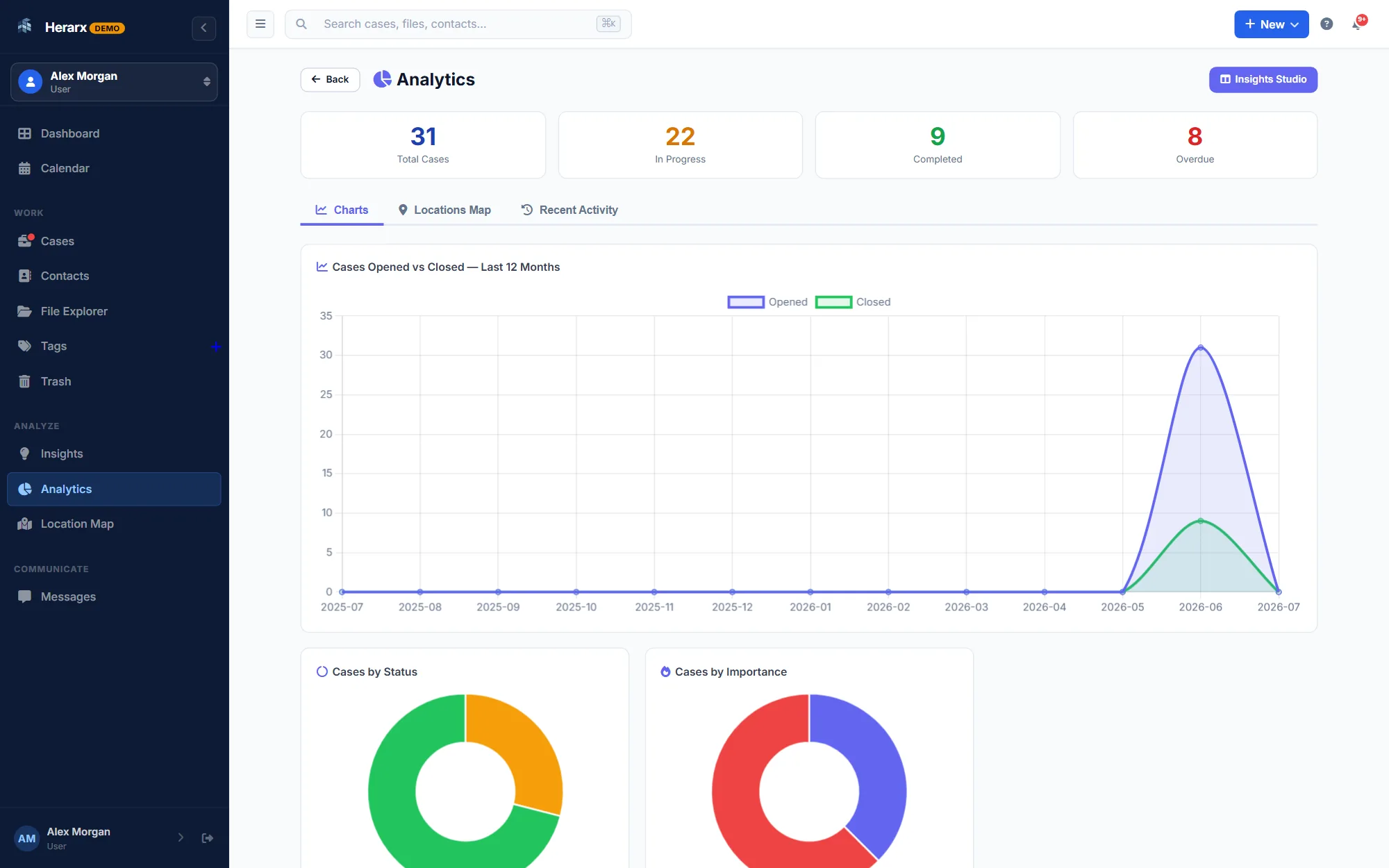
Cases opened against closed over time, and breakdowns by status and importance. Nothing to set up.
Enterprise · For teams
Internal team channels for organisation-wide communication — separate from case-specific messaging, but just as secure and logged.
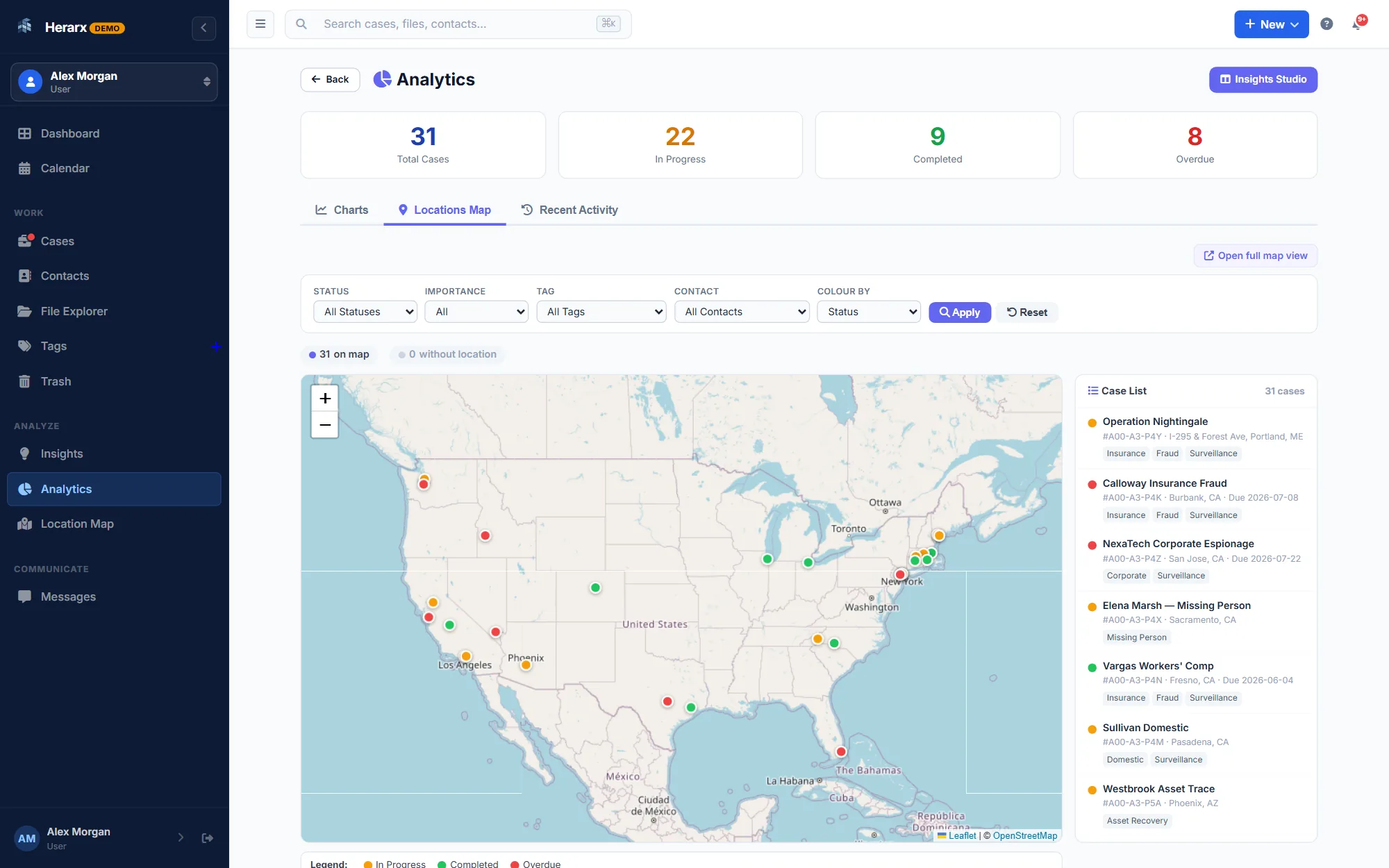
A map of where your cases are, for work in the field.
Free for up to 5 cases. Or look around the live demo first, no sign-up.