HR case management for grievances, discipline, and employee relations
Grievance notes in a shared folder, disciplinary letters in someone’s email. HR teams need every action logged and the case history whole, from first report to final outcome.
Template tabs:Parties · Process · Documents · Outcome
What an HR case holds,tab by tab
Start from a template, then rename a tab, add a field or remove one. Everything below comes with the template.
HR and employee relations template
Employee relations case
Grievance, disciplinary and employee relations cases: parties, process steps, documents and outcome.
Overview
Parties
Process
Documents
Outcome
Case type
Grievance
Confidentiality
Highly confidential
Date raised
2026-10-02
Target date
2026-10-30Warns 14 days ahead
Witnesses
4
Statements taken
3
Steps complete
2
Policies engaged
Grievance, Bullying & Harassment
Highly confidential: restrict access to the case team.
A grievance case in Herarx
Open a case per matterOne case per grievance or disciplinary process. Everything about this matter lives in one structured record from day one.
Control who has accessInvite only the HR team members and managers who need this case. Sensitive matters stay separated from general team access.
Attach all documentationFormal letters, written statements, correspondence — uploaded to the case, encrypted at rest, and access-logged.
Log the case timelineEvery meeting, decision, and update gets a dated note on the case. The full timeline is always there, in order, attributed to who wrote it.
Track tasks & deadlinesSet follow-up tasks with due dates — appeal windows, outcome letters, review meetings. The dashboard flags overdue items before they become a liability.
Dates that warn you
The target date warns you 14 days ahead and adds a task. Once it passes, the case is marked high importance.
Warnings on the case
A banner tells you when a case is highly confidential, process steps are still outstanding, or the target date has passed. Recording a finding makes the closed date required.
Process steps
Intake, investigation meeting, statements, hearing, decision and appeal, each with a date, an owner and a status.
Documents and outcome
A document register with a confidential flag, then the finding, any sanction and whether an appeal was lodged.
Also in the template library:Employee onboarding · Leaver and offboarding · Performance review · Absence case · Consultation programme (rolls up its cases)How templates work →
HR cases handled in emailleave your organisation exposed
If a grievance reaches a tribunal, "I think I sent that somewhere" is not an answer. Here's the difference.
Without Herarx
Case notes in Word docs saved across different people's drives
Sensitive documents in a shared folder anyone in HR can see
No traceable record of who accessed what and when
Deadlines tracked in a spreadsheet or someone's calendar
Reconstructing a timeline at tribunal means searching email
With Herarx
All notes, documents, and decisions in one case record
Per-case access — only invited team members can see this matter
Every file access logged automatically with timestamp and user
Tasks with due dates flagged on the dashboard before they lapse
A complete, dated timeline built automatically as the case progresses
Handle every matter withthe rigour it requires
Grievances and disciplinary processes are some of the most legally sensitive things an organisation handles. Every tool below exists to make that work defensible.
Matter-level access control
Each HR case is visible only to the team members you invite. A grievance case for one employee doesn't contaminate another's. Access changes are logged as they happen.
Full, tamper-evident audit trail
Every action on a case — file access, note added, task completed, permission changed — is recorded with a timestamp and user. The log cannot be altered. Built-in accountability.
Secure document storage
Formal grievance letters, investigation notes, written statements — uploaded to the case, encrypted at rest, and access-logged. No more sensitive documents in a shared drive.
Dated case timeline
Every step of a process — initial report, fact-finding meeting, outcome, appeal — logged as dated notes on the case. The full history is always intact, in order, and attributed.
Deadline tracking & task management
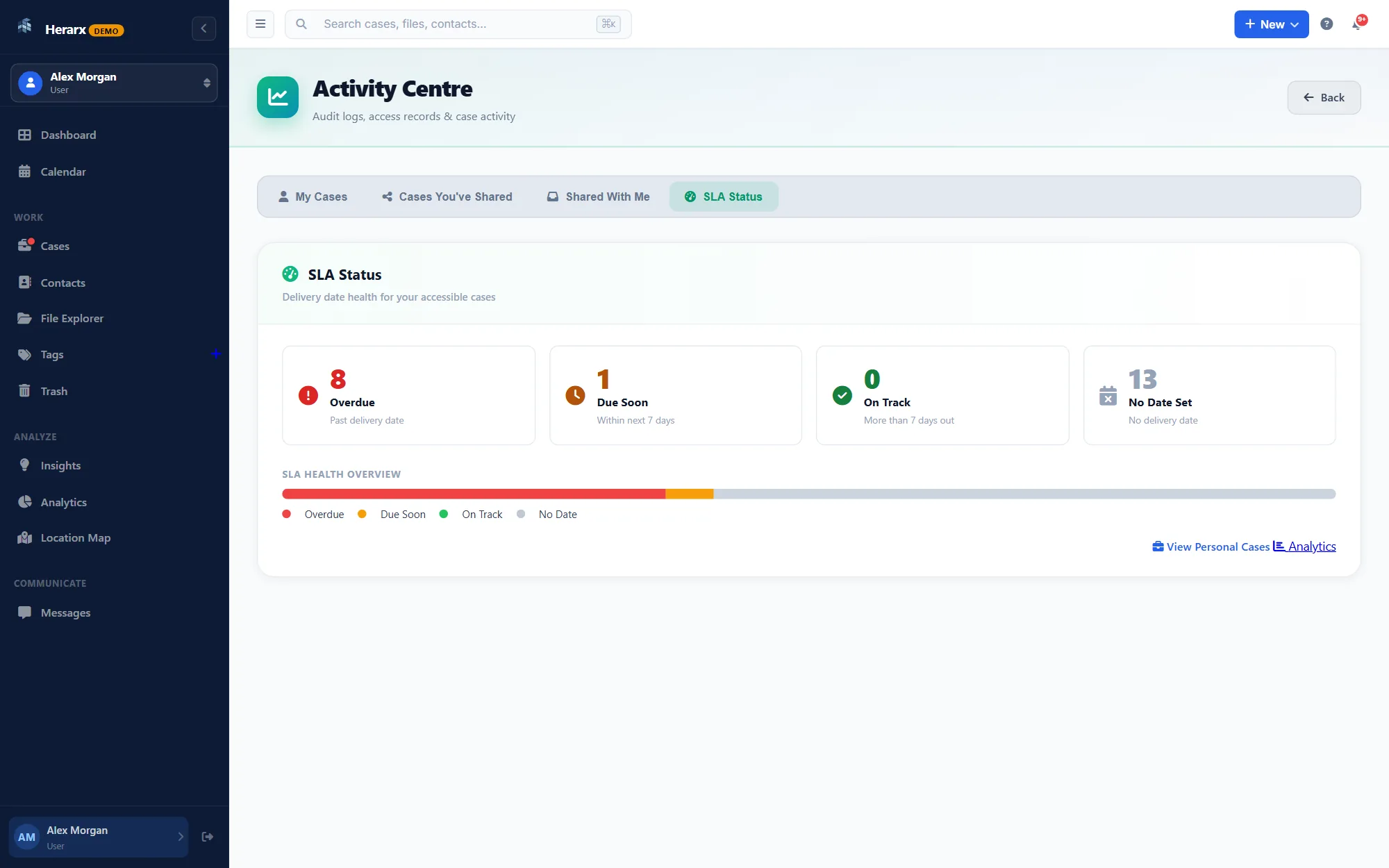
Set tasks for response deadlines, appeal windows, and outcome letters with due dates and priority. The SLA dashboard flags overdue items across all active matters.
Parties & contact management
Add the employee, line manager, witnesses, union representatives, and external advisors as contacts on the case with private notes for each — without mixing them into a general contacts list.
Internal collaboration
Threaded case comments for HR team discussion — attributed, timestamped, and permanently attached to the matter. Keep team deliberation out of email and in the record.
Controlled external sharing
Share specific documents with external HR counsel or an employment solicitor via a secure, expiring portal link — without giving them access to other cases or your account.
Case classification & analytics
Tag cases by type (grievance, disciplinary, capability, absence), department, or outcome. Filter and report across your full HR caseload without opening every record.
From first reportto final outcome
A consistent structure that keeps every HR matter organised, properly documented, and defensible end to end.
Open the case
Create a case for the matter, classify it, set importance, and invite only the HR team members who need access — with precisely the role they need.
Build the record as you go
Upload formal documents, log meeting notes and decisions as dated timeline entries, add tasks for follow-up actions. Everything attached to the case, automatically timestamped.
Track deadlines & obligations
Set tasks for appeal windows, outcome letters, and review meetings. The dashboard flags what's overdue or due soon across all active HR matters.
Close with a complete record
Log the outcome, close the case. If it's ever challenged at tribunal — or needs to be reopened — the complete, dated record is ready to export or share with counsel.
Share with clients,only what you choose
Clients and other people outside your team see the documents you pick. They never see your workspace or your other cases.
On Premium and Max
Client portal
Share chosen documents through a secure link that expires. No account needed. Clients can upload what you ask for, and every view is recorded on the case.
Send a document on the case for signature. The client confirms a code sent to their email and signs from their phone. The signed copy comes back to the case.
Upload the PDF, or type the code printed next to its QR code, to see that the signature is intact and the file unchanged. No account needed, and the file isn't kept.
What HR case management software is best for grievances and disciplinary processes?
The right tool keeps all case documents, notes, decisions, and communications in one place with per-case access controls and an immutable audit trail. Herarx does this: each HR matter is a case with its own documents, timeline, tasks, and contacts — visible only to the team members you invite, with every action automatically logged.
Can I keep different HR cases separated so one employee can't see another's?
Yes — access is granted per case, per user. A grievance for one employee is completely separate from another's, and only the team members you explicitly invite can see each case. Access changes are logged as they happen.
Will Herarx help if a matter goes to tribunal?
Because Herarx logs every action automatically — who added which document, when notes were written, when decisions were made — you have a timestamped, attributed case history built as you work. You can export the full record or share specific documents via a secure portal link with external counsel. Herarx is not yet independently security-audited, so verify it fits your organisation's requirements for regulated environments.
Can multiple HR team members collaborate on the same case?
Yes. Invite as many team members as needed with specific roles. Internal comments, tasks, and notes are all attributed and timestamped, so the full collaboration history is intact in one place — not scattered across email chains.
Is Herarx free for HR teams?
There's a free tier. Paid plans add team features for larger HR operations. Encryption, 2FA, and the full audit trail are included on every plan, including free.
By using this site you agree to our use of cookies for analytics and advertising.We use cookies for analytics and advertising. You can accept or reject these.See ourPrivacy PolicyandTerms of Use.